How to Recover Deleted CapCut Projects?
I lost a project once that I genuinely thought was gone for good, a 20-minute edit for a friend’s engagement video, three hours of work, wiped out because CapCut crashed mid-save and I panicked and force-closed the app instead of waiting it out. I spent the next hour convinced I’d have to redo everything from scratch. I didn’t, and the fix ended up being simpler than I expected. That experience is basically why I know this process inside out now, not because I read about it somewhere, but because I’ve actually had to dig myself out of it.
If you’re staring at a missing CapCut project right now, take a breath, there’s a real chance it’s recoverable. Here’s every method I’ve used or tested, in the order I’d actually try them.
What Causes CapCut Projects and Videos to Get Deleted?
Before jumping into recovery, it helps to know what you’re dealing with. Accidental deletion is the most common cause, tapping delete on the wrong project while cleaning up old drafts. App crashes and glitches can also wipe an in-progress project if CapCut closes unexpectedly mid-save. Uninstalling the app without backing up first takes your local drafts with it, and corrupted files (usually from an unexpected shutdown) can make a project unreadable even if it’s technically still there. Storage issues and app updates occasionally cause problems too, particularly if your device was low on space when CapCut tried to save.
Methods to Recover Deleted CapCut Projects and Videos
Recover From CapCut Cloud
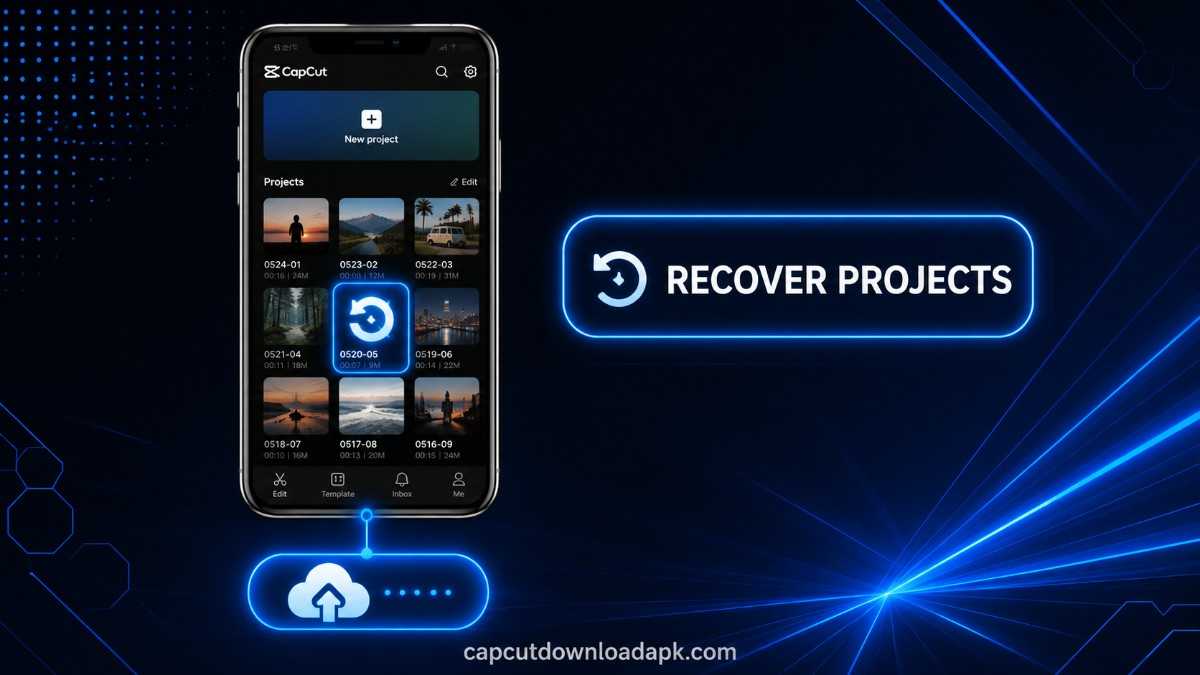
If you had Cloud Sync turned on, this is your best shot. Open CapCut, go to “My Space,” and check the list of cloud-saved projects and drafts. Anything backed up before deletion should still be sitting there, ready to download back to your device.
Use Video Recovery Software
For exported videos that were deleted from your device storage (not CapCut drafts specifically), dedicated recovery tools like DiskDigger or Dr.Fone can scan your drive for recoverable files. Install the tool, select the drive where your CapCut exports were saved, run a scan, and preview what it finds before restoring.
Recover With Time Machine on Mac
If you’re on a Mac and have Time Machine backups enabled, open Time Machine through Launchpad, navigate to the folder where your CapCut exports were saved, and browse backup snapshots from before the deletion. Select the file and restore it.
Use File History on Windows
Windows users with File History or Backup and Restore enabled can check Settings, then the Backup section, for old previous versions of the folder containing your CapCut files. If a backup exists from before the deletion, you can restore directly from there.
How to Recover Deleted CapCut Projects Step by Step?
Check Your CapCut Drafts and Project Folder
Before assuming a project is gone, open CapCut and check your drafts list first. Projects sometimes get buried rather than actually deleted, especially if they were accidentally moved or the app’s sort order changed after an update.
Look for a Backup or Cloud Copy
If it’s not in your drafts, check My Space for a cloud backup, and if you export projects to cloud storage like Google Drive or Dropbox as a habit, check there too.
Restore the Deleted Project
Once you’ve located a backup, whether in CapCut Cloud, a recovery tool scan, or a cloud storage folder, restore or download it back to your device.
Reopen the Project in CapCut
After restoring, open CapCut and import or reopen the recovered project file. Give it a moment to load, larger projects with a lot of layers and effects can take a few seconds longer than expected.
How to Recover Deleted CapCut Videos?
Recovering an already-exported video (rather than an editable project) generally comes down to where it was saved. If it went straight to your device’s gallery, check your phone or computer’s “Recently Deleted” folder first, most operating systems hold deleted files there temporarily before permanent removal. If it’s not there, a video recovery tool scanning your storage drive is the next step, since exported videos aren’t tied to CapCut’s own draft system the way in-progress projects are.
What to Do If Your Recovered CapCut Project Is Not Opening?
This usually points to a corrupted file, often from an interrupted save or an incomplete recovery. First, confirm you’re running the latest version of CapCut, since version mismatches can occasionally cause older project files to fail loading. If the project still won’t open, try restoring an earlier backup version if one exists, sometimes the most recent save is the corrupted one, while a slightly older version opens fine. As a last resort, check if any individual media files (clips, audio) from the project survived separately, even if the full project file didn’t, since you can rebuild around salvaged assets faster than starting completely from zero.
Tips to Prevent Losing CapCut Projects and Videos
- Keep Cloud Sync turned on. This alone would’ve saved me the panic I mentioned earlier, it’s the single easiest safeguard against losing a project.
- Avoid cleaner or junk-file apps. These sometimes flag CapCut’s draft cache as unnecessary storage and delete it without warning.
- Keep enough free storage on your device. Low storage during a save is a common trigger for corrupted or incomplete project files.
- Update CapCut regularly. Newer versions typically fix the exact glitches that cause crash-related data loss.
- Export finished projects to a second location. A cloud drive or external backup means you’re never relying on a single copy.
Frequently Asked Questions?
Can I Recover a Deleted CapCut Project?
Yes, in most cases, especially if you had Cloud Sync enabled or the project was recently deleted rather than removed long ago. Check CapCut’s My Space first, then move to recovery software or device backups if needed.
Can I Recover a Permanently Deleted CapCut Project?
It’s harder, but not always impossible. If no cloud backup exists, your best chance is a data recovery tool scanning your device’s storage before the deleted files get overwritten by new data, the longer you wait, the lower the odds.
Where Are CapCut Projects Stored?
Draft projects are stored locally on your device within CapCut’s app data, and separately in CapCut Cloud if Sync is enabled. Exported videos, once finished, are typically saved to your device’s gallery or a folder you choose during export.
Can CapCut Cloud Recover Deleted Projects?
Yes, if the project was backed up to CapCut Cloud before it was deleted locally. Check My Space inside the app, deleted local drafts often remain recoverable there for a period of time.
Can I Recover Deleted CapCut Videos Without a Backup?
It’s possible, but not guaranteed. Without a backup, your only real option is a data recovery tool scanning your device’s storage directly, and success depends on whether the deleted file’s storage space has already been overwritten by something else.
Conclusion
Losing a CapCut project feels a lot worse in the moment than it usually turns out to be. Between Cloud Sync, device backups, and recovery software, most deleted projects and videos are recoverable if you act reasonably quickly. The real lesson, the one I actually learned the hard way, is that a couple of minutes spent turning on Cloud Sync now saves you a genuinely stressful hour later.