How To Add Music to CapCut? Step-by-Step Guide 2026
I still remember the first time I dropped a soundtrack into one of my CapCut projects. I had just finished editing a travel clip from a weekend trip, and the video felt… flat. Lifeless. It wasn’t until I laid a simple background track over it that the whole thing suddenly clicked. That’s the moment I realized how much of a video’s emotion actually comes from the audio, not just the visuals.
Since then, I’ve edited hundreds of clips in CapCut reels, YouTube shorts, small business promos, even a few wedding highlight videos for friends and music has been the one element that consistently makes or breaks the final result. If you’re wondering how to do it the right way, without running into copyright strikes or sync issues, this guide walks through everything I’ve learned from actually using the app, mistakes included.
What Is CapCut?
CapCut is a free video editing app originally developed by ByteDance, the same company behind TikTok. It started out as a mobile-first tool, but it’s since grown into a full editing suite available on Android, iPhone, and desktop (Mac and Windows). What made it stand out to me early on was how it managed to pack professional-level features layered timelines, keyframes, audio syncing into an interface simple enough that I didn’t need a tutorial to get started.
Why Creators Use CapCut for Video Editing?
Most creators I know switched to CapCut because it removes the usual friction of editing on a phone. You get multi-track timelines, built-in templates, auto-captions, and a genuinely useful royalty-free music library all without paying for a subscription. For anyone making content for TikTok, Instagram Reels, or YouTube Shorts, that combination is hard to beat.
Supported Audio Formats and Devices
CapCut supports most common audio formats, including MP3, WAV, and AAC. It works smoothly across capcut iOS, Android, and desktop, though I’ve noticed the mobile version handles imported files a little more reliably than some older desktop builds. If you’re planning to import your own tracks into a project, sticking to MP3 or WAV keeps things simple and avoids playback issues later.
How To Add Music to CapCut?(Step-by-Step)
This is the part most people actually search for, so let me break it down exactly the way I do it every time I edit.
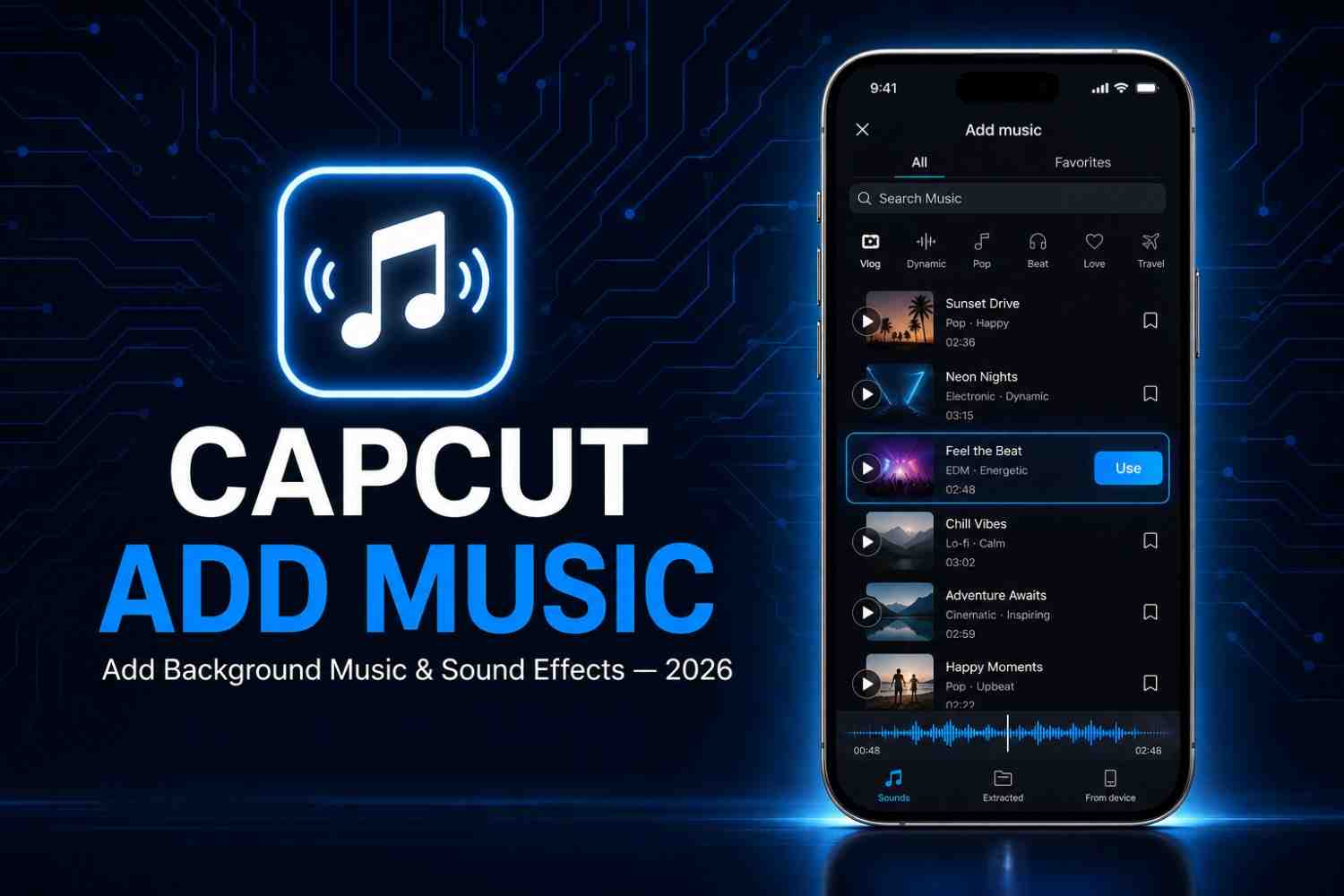
Add Music from the CapCut Audio Library
- Open your project and tap the Audio icon at the bottom of the timeline.
- Select Sounds to browse CapCut’s built-in library.
- Search by mood, genre, or trending tracks CapCut sorts music into categories like “Chill,” “Upbeat,” and “Cinematic,” which honestly saves a lot of time.
- Tap the track to preview it, then hit the + icon to add it directly to your timeline.
Import Music from Your Device
If you already have a specific song or sound bite in mind:
- Tap Audio, then select Sounds.
- Choose Extract Audio if you want to pull the audio track from an existing video, or Sound Effects for short clips.
- For a music file already saved on your phone, tap the Import option and select the file from your device storage.
Add Your Own MP3 or Audio File
This is one I use constantly for client projects where a specific licensed track is required.
- From the Audio panel, tap Import.
- Locate your MP3 or WAV file in your device’s file manager.
- Once selected, it drops straight into your timeline where you can trim and position it.
Preview and Save Your Edited Video
Before exporting, always preview the full timeline. I’ve lost count of how many times a track cut off awkwardly at the end because I skipped this step. Tap the play button, watch the full sequence, then hit Export in the top-right corner once you’re happy with the sync.
Where to Find Music for CapCut?
Finding the right track is honestly harder than the technical part of adding it. Here’s where I actually look.
CapCut’s Built-In Music Library
CapCut’s own library is a solid starting point, especially for trending sounds tied to TikTok. That said, some tracks are licensed only for personal use, not commercial projects, so it’s worth checking the usage rights before publishing anything tied to a brand or business.
Royalty-Free Music Platforms
For commercial work, I lean on royalty-free platforms like Soundstripe, Artlist, and Epidemic Sound. These give you a proper license, which matters a lot once you’re posting content for a client or a monetized channel. It’s a small upfront step that saves a lot of trouble later.
Free Music for Personal and Commercial Projects
If budget is tight, sites offering Creative Commons or public domain music can work, but always double-check the exact license terms “free” doesn’t always mean “free for commercial use.” I’ve seen creators get copyright claims from tracks they assumed were safe simply because they skipped this check.
Tips for Adding Music to CapCut
A few things I’ve picked up through trial and error over the years:
Match Music with Your Video’s Mood
The tone of your music should match the pacing of your visuals. A fast-cut travel montage needs an upbeat track; a slow, emotional story needs something quieter. This sounds obvious, but it’s the single biggest thing that separates amateur edits from polished ones.
Adjust Volume for Balanced Audio
If your video has dialogue or voiceover, lower the music volume so it doesn’t compete with the voice. In CapCut, tap the audio clip, select the volume icon, and bring it down to around 15-20% when there’s speech layered over it.
Trim and Sync Music with Your Video
Drag the edges of the audio clip to trim it precisely to your video length. I like to align the beat drop with a key visual moment it’s a small detail, but it makes edits feel intentional rather than random.
Use Fade In and Fade Out Effects
Abrupt starts and stops feel jarring. Tap the audio clip, find the fade option, and apply a short fade-in and fade-out (half a second to a second usually works well) for a smoother listening experience.
Avoid Distracting Background Music
Not every video needs music blasting at full volume throughout. Sometimes the best edit is the one where the music sits quietly in the background, supporting the footage instead of overpowering it.
Copyright Rules You Should Know
This is the part people skip and then regret. I learned this the hard way after one of my early TikTok uploads got muted for using a copyrighted track I assumed was “just background music.”
When You Can Use Copyrighted Music
Generally, you can use copyrighted music only if you have a license, if it falls under fair use (which is narrower than most people think), or if the platform has a specific licensing deal like TikTok’s agreements with major labels for certain in-app sounds.
How to Avoid Copyright Claims on TikTok and YouTube?
Stick to CapCut’s licensed library, royalty-free platforms, or your own original recordings. Both TikTok and YouTube use automated audio-detection systems, so even a few seconds of an unlicensed track can trigger a claim or a muted video.
Why Royalty-Free Music Is a Safer Choice?
Royalty-free doesn’t mean free of cost it means you pay once (or subscribe) and get clear usage rights without ongoing royalties. For anyone publishing regularly, it’s the most reliable way to keep your projects safe from takedowns.
Common Issues When Adding Music to CapCut
Even with a straightforward app, things go wrong sometimes. Here’s how I’ve fixed the issues I’ve personally run into.
Music Is Not Importing
Usually a file format problem. Convert the audio to MP3 or WAV, or make sure the app has storage/file access permissions enabled in your device settings.
Audio Is Out of Sync
This typically happens after trimming a clip without adjusting the linked audio. Tap the audio layer, drag it manually to realign it with your video markers, and preview before exporting.
No Sound After Exporting
Double-check that the audio track wasn’t accidentally muted or set to 0% volume before export. It’s an easy setting to overlook when you’re juggling multiple layers.
Unsupported Audio Format
If a file won’t import at all, it’s likely in a format CapCut doesn’t support, like WMA or FLAC. Convert it to MP3 first using any free online converter, then try importing again.
Frequently Asked Questions
Can I add my own music to CapCut?
Yes. You can import MP3 or WAV files directly from your device through the Audio panel, making it easy to use tracks you already own or have licensed.
Can I use Spotify or Apple Music in CapCut?
Not directly. Streaming services don’t allow you to download or export their tracks for use in third-party apps due to licensing restrictions. You’ll need a properly licensed or royalty-free version of the song instead.
Does CapCut provide free music?
Yes, CapCut has a built-in library with a wide range of free tracks. Just be aware that some are restricted to personal use only, so check the license before using them commercially.
Which audio format works best with CapCut?
MP3 is the most reliable format for smooth importing and playback. WAV also works well but results in larger file sizes.
Can I use CapCut music for YouTube videos?
Some tracks in CapCut’s library are cleared for cross-platform use, but not all. Always verify the license details for each track before publishing on YouTube, since its copyright system is separate from TikTok’s.
Conclusion
Once you’ve done it a few times, the process itself becomes second nature the real skill is choosing the right track, syncing it well, and staying on the right side of copyright rules. I’ve made most of the mistakes covered in this guide myself, from unsynced audio to copyright strikes, and every one of them taught me something about what actually makes a video feel finished.
Start with CapCut’s own library, experiment with royalty-free platforms once you’re publishing regularly, and always preview before you export. That last habit alone will save you more headaches than anything else on this list.