CapCut Trending Templates (Latest Viral Templates & How to Use Them in 2026)
I still remember the first time a video I made with a CapCut trending template blew up on my feed. I had spent maybe four minutes on it picked a template, dropped in a few clips from a weekend trip, hit export and the next morning it had more views than anything I had spent hours editing manually. That’s when it actually clicked for me why everyone on TikTok and Instagram keeps using the same handful of templates every week. It’s not laziness. It’s strategy.
If you’ve been scrolling and wondering how creators keep up with every new trend without burning out, this guide walks you through everything I’ve learned from actually using CapCut trending templates on Android, iPhone, and PC what works, what breaks, and how to pick the right one before it goes stale.
What Are CapCut Trending Templates?
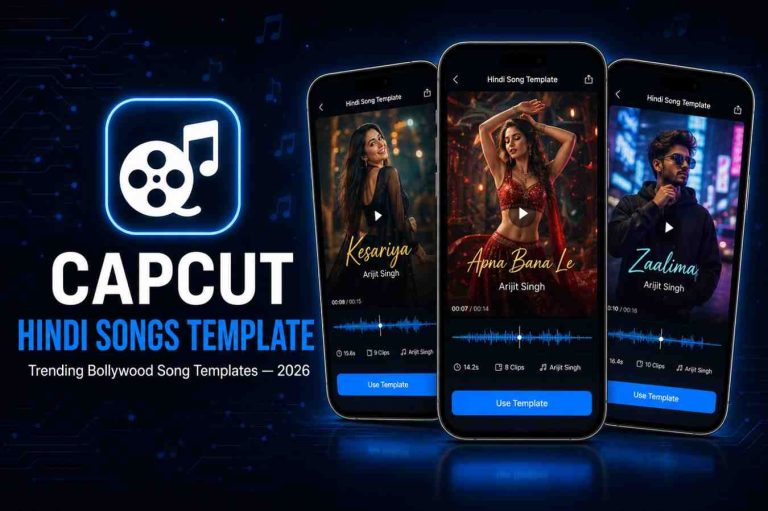
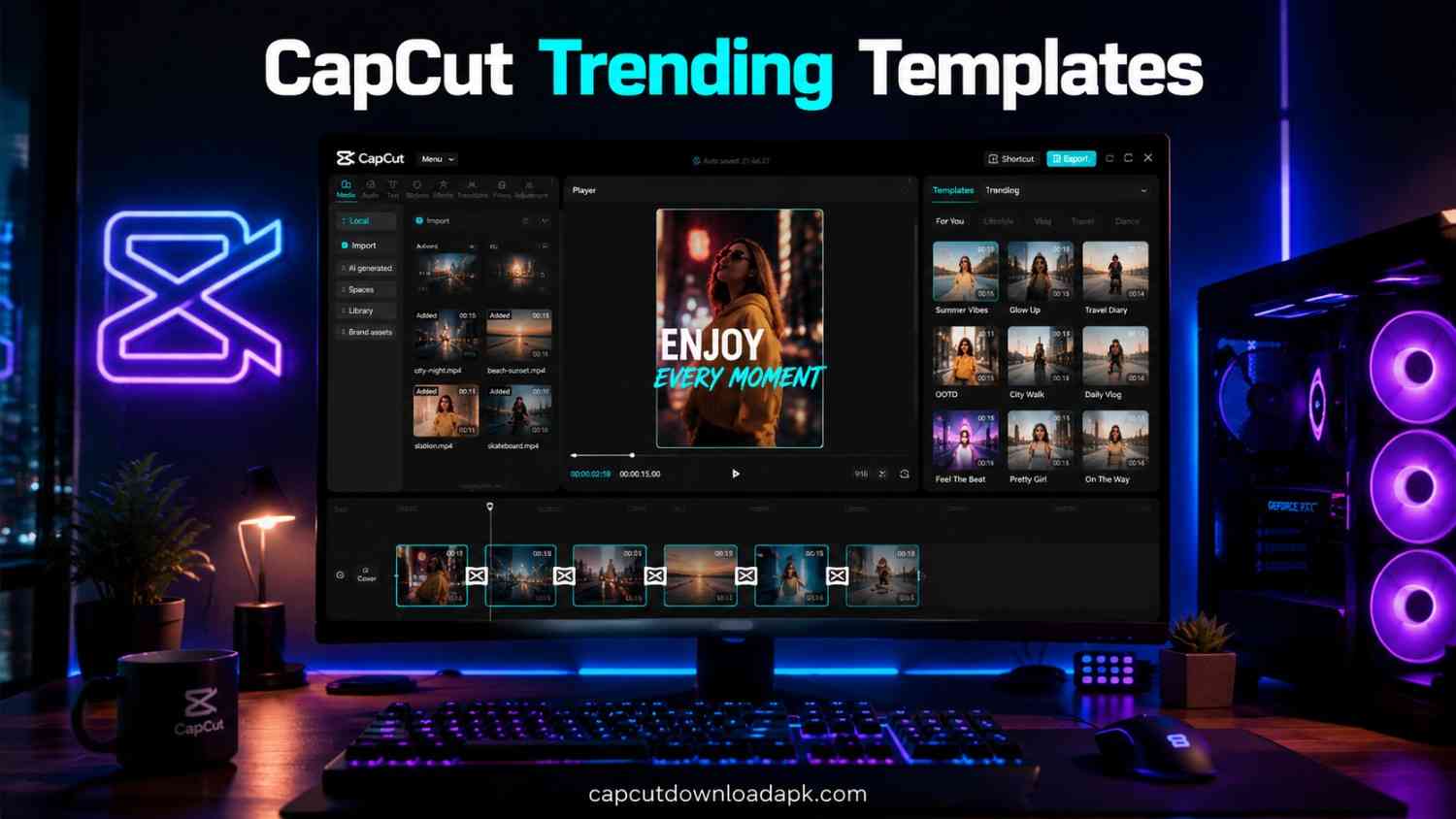
CapCut trending templates are pre-built video projects inside the CapCut app that already have the transitions, timing, text animations, and music synced in place. All you have to do is drop in your own photos or clips, and the template arranges everything for you.
Think of them as a video “recipe” someone else already tested and proved works. You’re not starting from a blank timeline you’re filling in the blanks of something that’s already designed to look polished and move at the right pace.
How CapCut Templates Work?
Every template is built around a fixed structure: a certain number of clip slots, a specific beat-synced cut pattern, and pre-applied effects like zooms, glitches, or color grading. When you tap “Use Template,” CapCut automatically maps your chosen photos or videos onto that structure. You don’t touch the keyframes, the speed ramps, or the audio sync it’s all done for you in the background.
Why Trending Templates Go Viral?
A template usually starts trending because one or two creators with a large following use it first, and the format the pacing, the music drop, the transition style resonates with viewers. Once people start recognizing the format from their feed, they’re more likely to engage with it again, which signals to the algorithm that the format performs well. That’s the loop that turns a random template into a CapCut trending template almost overnight.
Why CapCut Trending Templates Are Popular in 2026?
I’ll be honest the reason I keep coming back to templates isn’t just speed. It’s that they consistently outperform my manually edited videos, and I’ve stopped fighting that.
Save Time While Editing
What used to take me 30-40 minutes of manual cutting and syncing now takes under five. I can shoot content, drop it into a template, and post it before I’d normally even finish opening a blank project.
Professional Results Without Experience
You don’t need to understand color grading, beat matching, or motion graphics. The template handles the technical side, so even a first-time editor ends up with something that looks like it was made by a professional.
Perfect for TikTok, Instagram Reels & YouTube Shorts
Most CapCut trending templates are built at the exact aspect ratio and pacing that short-form platforms reward. They’re designed with hooks in the first second and quick cuts that match how people actually scroll.
One-Click Editing with Auto Sync
This is the part people underestimate. The audio sync is already locked to the cuts, so you’re never manually nudging a clip by a few frames to match a beat drop. It’s already done.
Top CapCut Trending Templates Right Now
These are the styles I’ve personally seen dominate feeds over the last few weeks, and they tend to rotate in and out, so it’s worth checking the template library regularly.
Velocity Templates
Fast zoom-ins and out-of-nowhere speed ramps timed to bass drops. These work great for travel clips, gym content, or anything with movement.
Slow Motion Templates
The opposite energy dramatic, cinematic slow-downs on key moments. I use these for emotional or aesthetic content where the visuals need a second to breathe.
Beat Edit Templates
Cuts that land exactly on the beat of the song. These are the ones that make a simple clip look like it was choreographed.
Photo Dump Templates
A casual, scrapbook-style sequence of photos, usually with a relatable or funny caption overlay. Low effort to film, high engagement.
Cinematic Templates
Wide aspect ratios, film-grain overlays, and letterbox bars that give ordinary footage a movie-trailer feel.
Lyrics Templates
Text that animates in sync with a song’s lyrics. Great for storytelling or mood-based content.
AI Effect Templates
Built-in AI filters and effects face enhancements, style transfers, background changes applied automatically across your clips.
Glow & Flash Templates
Bright light leaks and flash transitions between clips, popular for nightlife, fashion, and “get ready with me” content.
Trending Transition Templates
Creative wipe and morph transitions that make even unrelated clips flow into each other seamlessly.
How to Find CapCut Trending Templates?
Finding the right template before it gets oversaturated is honestly half the game. Here’s how I track them down.
Explore the CapCut Template Library
Open the CapCut app and tap the Templates tab on the home screen. You’ll see curated sections like “Trending,” “Hot This Week,” and category filters. Typing a keyword like “zoom” or “viral” into the search bar narrows things down fast.
Use TikTok’s “Try This Template” Feature
When you spot a video on TikTok and see a white “CapCut Template” tag above the caption, tap it. It opens directly inside CapCut with that exact project structure ready for your media no searching required.
Search Through Your Browser
CapCut also has a web-based template archive. You can browse styles on desktop, preview them before committing, and send your favorites straight to the app to edit.
Find Templates via QR Codes and Shared Links
Some creators share templates as a direct link or QR code in their captions or bio. Scanning or tapping it takes you straight into that template inside the app, skipping the search step entirely.
How to Use CapCut Trending Templates?
The core process stays the same across devices, but the exact taps differ slightly depending on what you’re editing on.
On Android
Open CapCut, go to Templates, pick your style, and tap “Use Template.” Select your photos or videos from the gallery in the order requested, hit “Preview” to check the flow, then tap “Export.” Choosing “Save and Share” removes the watermark automatically.
On iPhone (iOS)
The steps mirror Android closely open the Templates tab, select a template, import your media from Photos, preview the sync, then export. iOS users sometimes need to grant CapCut full photo library access first, or the import step will silently fail.
On PC (Alternative Method)
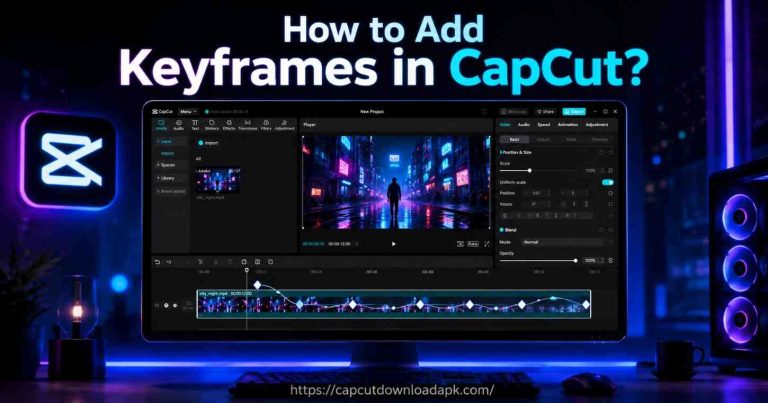
CapCut’s desktop version lets you browse templates through the built-in template panel. Drag your clips into the marked slots, adjust timing manually if needed, and export in your preferred resolution useful if you’re working with footage already saved on your computer rather than your phone.
Best Tips to Make Your Template Videos Go Viral
A template gets you 70% of the way there. These small adjustments are what separate a video that flops from one that actually performs.
Choose Trending Music
Even if a template comes with built-in audio, swapping in whatever sound is currently trending on that platform gives it a visibility boost, since the algorithm favors content using popular sounds.
Replace Clips with High-Quality Footage
Templates can’t fix shaky, dark, or low-resolution clips. Shoot in good lighting and steady your phone the template’s effects only enhance footage that’s already decent.
Keep Videos Short and Engaging
Trim out dead space. If a clip doesn’t add to the rhythm of the template, cut it. Shorter, tighter edits tend to hold attention longer than padded ones.
Add Captions and Effects
Most viewers watch with sound off initially. Adding text overlays or captions keeps them engaged even before the audio grabs them.
Export in High Resolution
Always export at the highest resolution your device supports. Compressed, blurry exports get buried by platforms that prioritize sharp, high-quality uploads.
Common Problems and Their Solutions
Templates aren’t always smooth sailing here are the issues I’ve personally run into and how I fixed them.
Template Not Opening
Usually a CapCut version issue. Update the app through your app store and restart it before trying again.
CapCut Template Not Available
Some templates are region-locked or temporarily pulled by the original creator. Try refreshing the page or checking again after a few hours.
Link Not Working
If a shared template link won’t load, copy it into a browser instead of tapping it directly inside another app broken in-app links often work fine when opened externally.
Region Restriction Issues
A VPN connected to a supported region can sometimes resolve this, though availability still depends on the original creator’s settings.
App Keeps Crashing
Clear CapCut’s cache, make sure your device has enough free storage, and confirm you’re not running an outdated OS version all three are common culprits.
Pros and Cons of Using CapCut Trending Templates
Pros:
- Drastically cuts down editing time
- No technical editing skills required
- Built-in trend alignment with platform algorithms
- Free for most templates, with watermark removal included
Cons:
- Popular templates can feel repetitive if overused
- Limited customization compared to manual editing
- Some templates disappear or go region-locked without warning
- Heavy reliance on trends can make content feel less original over time
Best Practices Before Using Any CapCut Template
Before you commit to a template, preview the full sequence first not just the thumbnail. Check how many clip slots it needs so you’re not scrambling for extra footage mid-edit. Make sure your photos and videos match the template’s intended aspect ratio, since stretched or cropped clips ruin an otherwise clean edit. And always export a quick test version before sharing it publicly, just to catch any sync issues early.
Frequently Asked Questions
What are CapCut Trending Templates?
They are pre-designed video projects within CapCut that already include synced transitions, effects, and music, letting you create polished videos by simply adding your own clips.
Are CapCut Templates free?
Most CapCut trending templates are free to use, and the watermark can typically be removed by exporting through the “Save and Share” option.
How do I find viral CapCut Templates?
Check the “Trending” section inside the CapCut app, follow the “Try This Template” tag on TikTok, or browse the CapCut web template archive.
Why is a CapCut Template not working?
This is usually caused by an outdated app version, a region restriction, or a temporarily removed template. Updating the app or trying again later often resolves it.
Can I use CapCut Templates on PC?
Yes, CapCut’s desktop app includes a template panel where you can import clips and export edited videos, though the mobile app generally has a wider template selection.
Which CapCut Template is trending today?
Trending templates rotate weekly, so check the “Hot This Week” section in the app for the most current picks rather than relying on a fixed list.
Can I create my own CapCut Template?
Yes, CapCut allows you to save any project you’ve edited as a reusable template, which you can then share with others.
Are CapCut Templates safe to use?
Templates from the official CapCut library and verified TikTok links are safe. Avoid third-party links from unverified sources, as they may redirect to unsafe sites.
Conclusion
After months of testing different styles, my honest takeaway is that CapCut trending templates aren’t a shortcut that sacrifices quality they’re a smarter starting point. They handle the technical heavy lifting so you can focus on what actually matters: good footage, the right music, and posting before a trend fades. Pick a template that fits your content, follow the steps above, and you’ll notice the difference in both your editing time and how your videos perform.